第一步:在任意文件夹下执行#
git clone https://github.com/vim/vim.git
第二步:进入 vim 项目文件夹#
cd ./vim
第四步:configure vim#
./configure --with-features=huge \
    --enable-multibyte \
    --enable-rubyinterp=yes \
    --enable-python3interp=yes \
    --with-python-config-dir=/usr/lib/python3.11/config-3.11-x86_64-linux-gnu \
    --enable-perlinterp=yes \
    --enable-luainterp=yes \
    --enable-gui=gtk2 \
    --enable-cscope \
    --prefix=/usr/local
开启 ruby、python3、perl、lua
第五步:make#
make VIMRUNTIMEDIR=/usr/local/share/vim/vim81
第六步:安装到系统中#
sudo make install
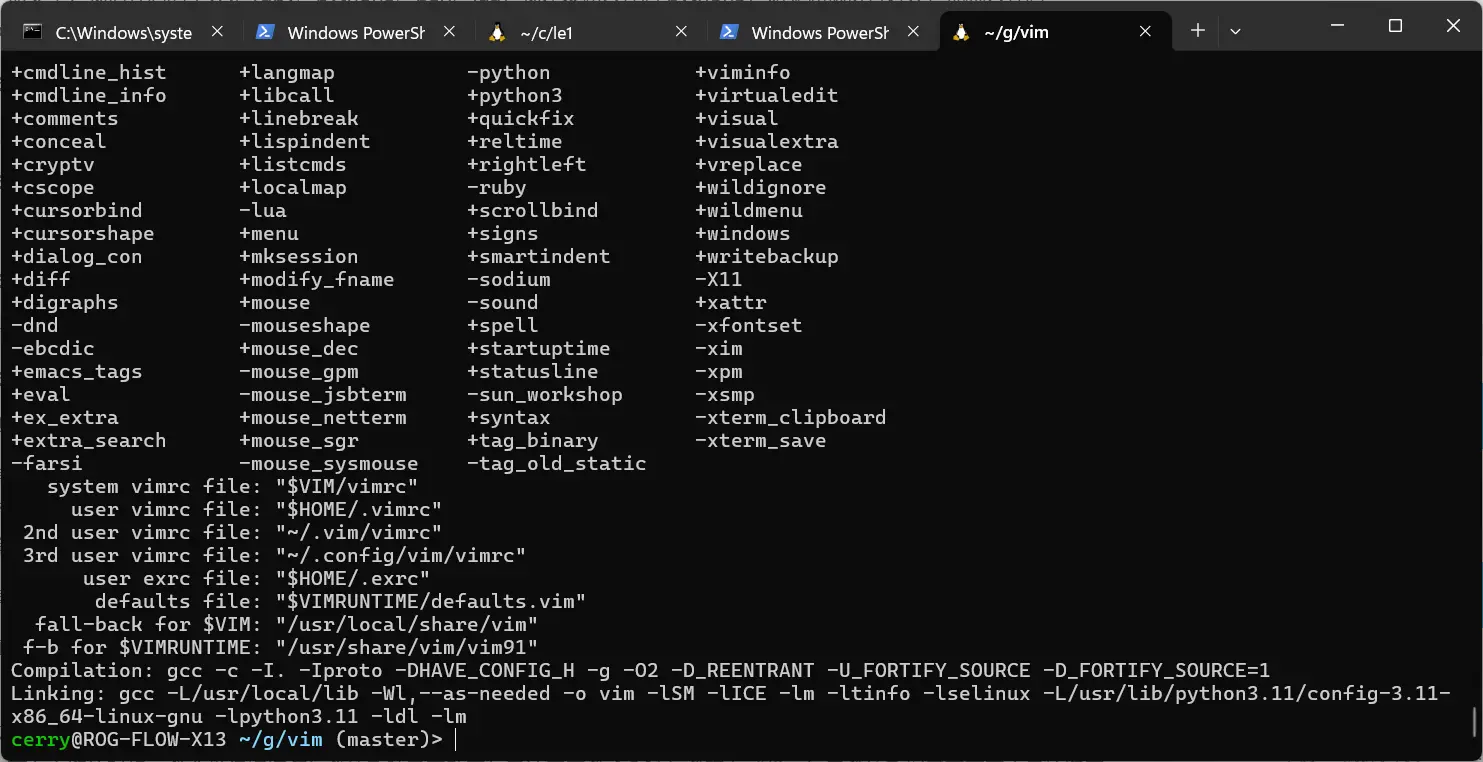
第六步:查看特性是否已经开启#
vim --version